And now you too can be the sociopathic driver on a revenge spree as in the movie Drive!
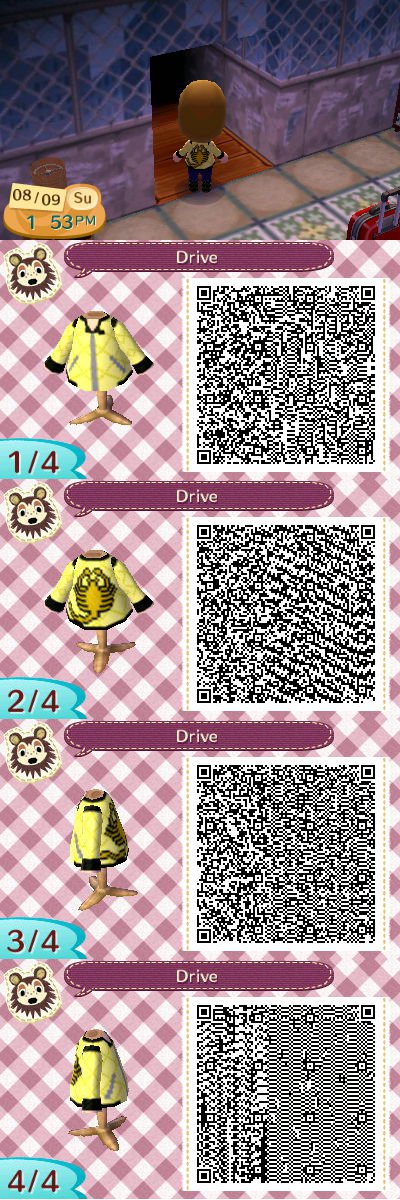
And now you too can be the sociopathic driver on a revenge spree as in the movie Drive!
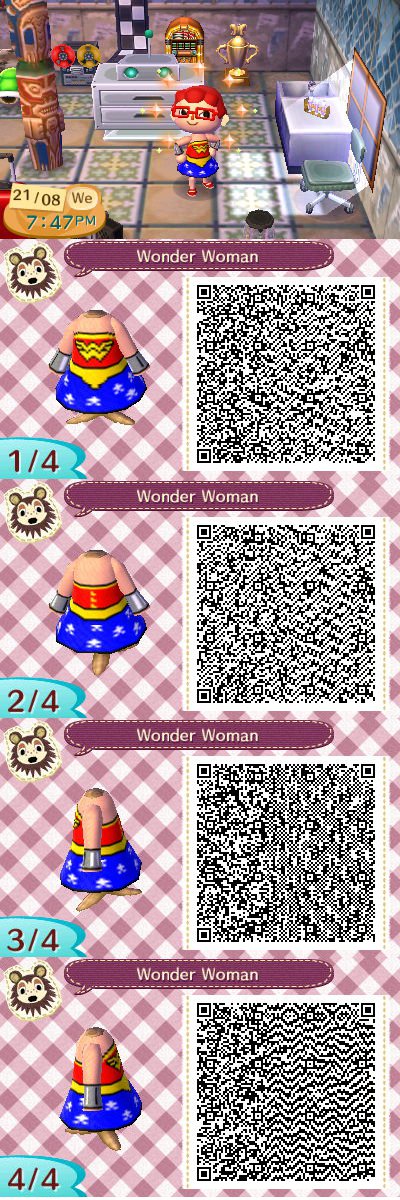
This dress design came out really well. So now you can dress up as Wonder Woman. 
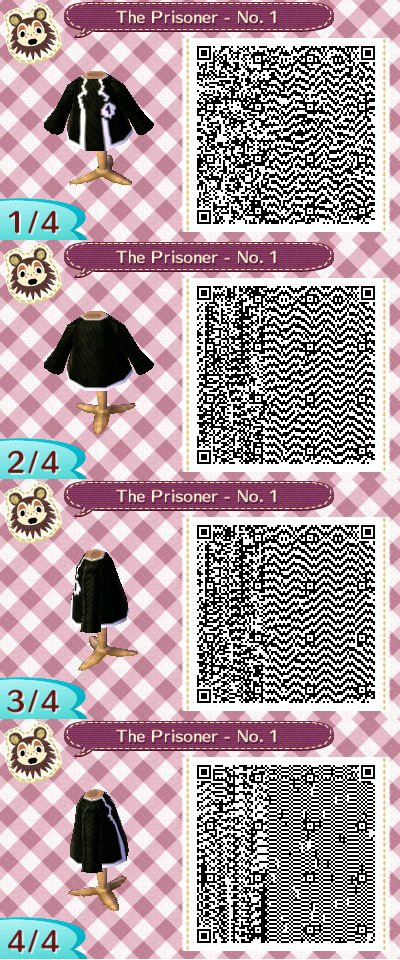
From the cult TV show The Prisoner, I made this jacket for Animal Crossing. So now you too can be a man, not a number, as Major. 
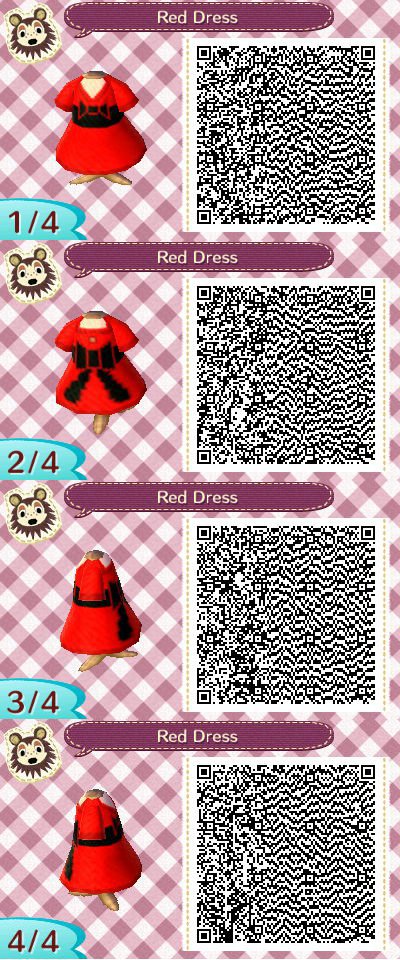
Another Animal Crossing Pattern, a cute red dress intended as a gift for my daughter
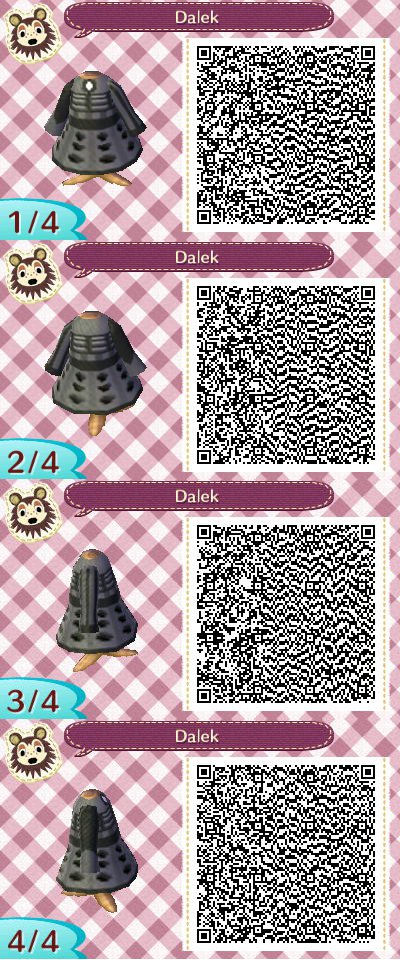
I’ve been having some fun in Animal Crossing New Leaf and did up this Dalek Dress Pattern for all those Doctor Who Fans!
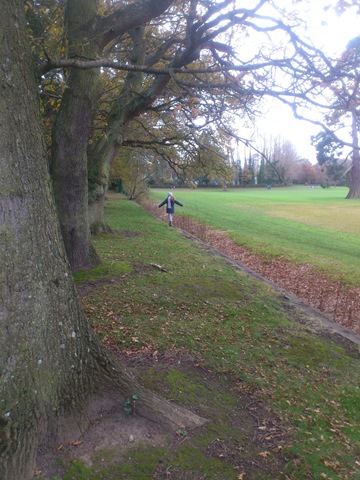
Took the kids to Malahide park yesterday. I think there must be have been something in the autumn/winter air because despite taking the kids regularly there, it was a little nostalgic this time for me.
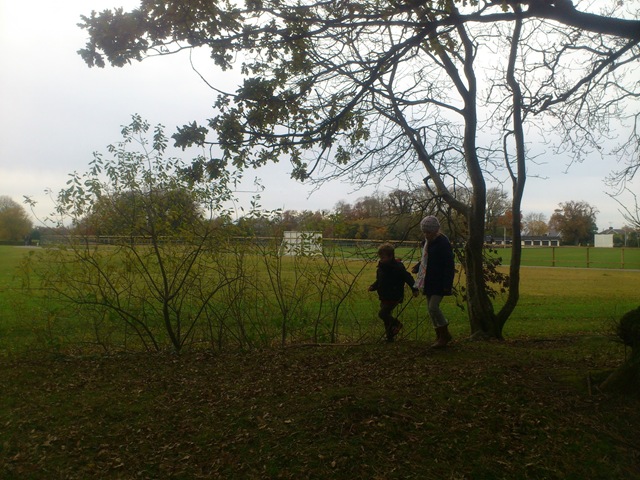
As a kid, I use to play in Malahide park and grounds all the time. It was our second backyard. Me and the kids tracked through the forest and found the old glen where the younger me with others use to put a dangerously high rope swing.
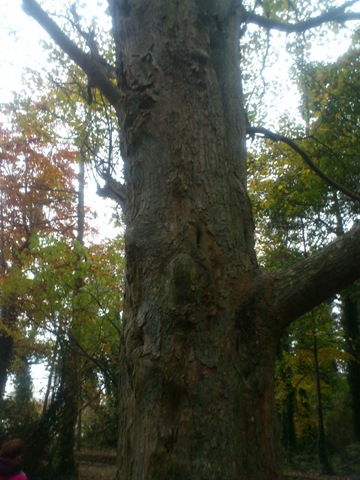
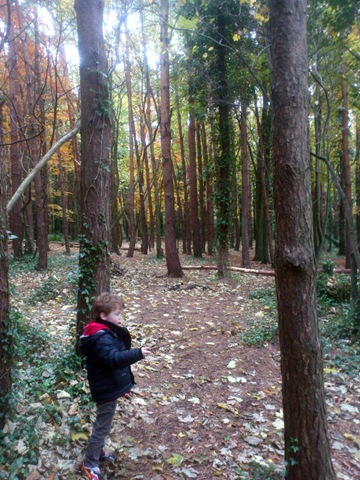
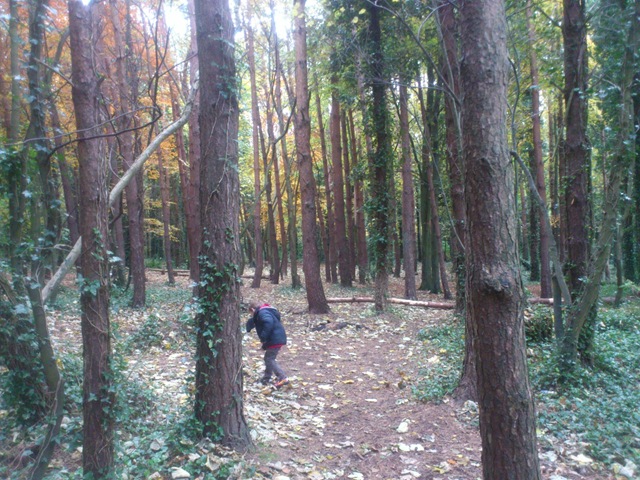
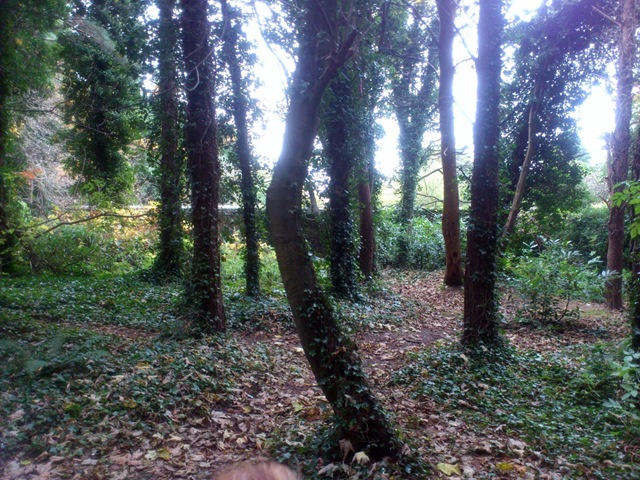
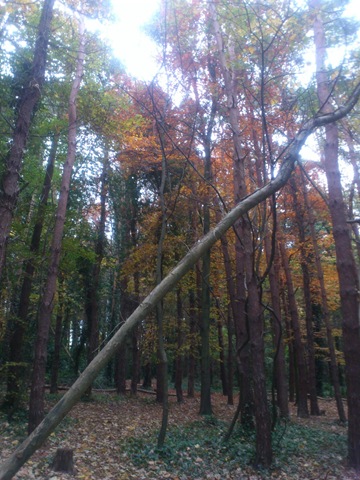
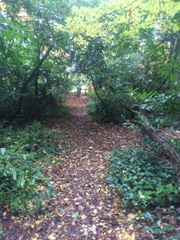
Walked by the old church ruins that my brother and myself would sneak into and climb to the top. (Can’t do that now though, they took all the surrounding trees and opened up an Avoca cafe across the way, everyone would see what you were doing now).
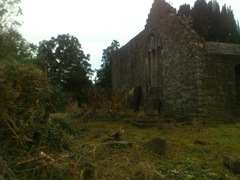
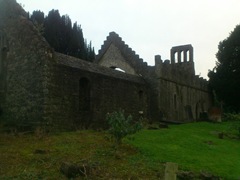
And then after the playground we tried the new Avoca cafe which is super-fancy and like the other Avoca we’ve gone to and really jarring to my memory of the place. The Fry Model Railway used to be there, which was a bit quiet and grotty even. Also the hot chocolate is very expensive for what it is but we did some a number of peacocks in the gardens.
I wonder what happened to the little cafe in the castle itself now. I used to occasionally go there as a teenager. Big arches and a low ceiling and the walls were covered with old pieces of armour and weird old melee weapons.
We walked back a different route but it was getting dark at 4.30pm. Not that my sister and myself didn’t know the way, even in the dark, but the kids started getting freaked out by the shadowy trees and the crows constantly flying into the sky. I thought it was quite impressive, but that’s me. And then we had one of the park rangers freak us out in his car with flashing lights to tell us the park closes at 4.45pm and he closed all the gates.
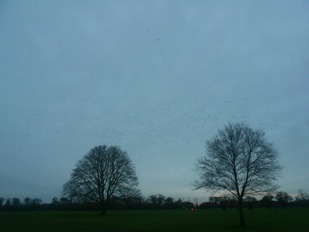
Not that we were the last. Passed by joggers, bicycles and a woman walking her dog. I never knew the park closed so early but it was dark by then I guess so it makes sense. And all the fancy rails and stuff they had put up, didn’t really stop me getting the kids out pretty easily by climbing the wall and lifting them over.
Originally posted over at G+ on 12/11/2012
Kids started their Christmas Lists. I’m not sure what prompted it. But they got home from school and declared it was time to pull out the toy catalogues and start making lists.
When my 8yo daughter Alice finished, she proudly announced she only had 13 items on her list. Santa doesn’t have to get all of them, just some. The list included Friends Lego, Furbies (they have returned from the dead like some cheap horror movie!), a steampunk Monster High doll and other various items. Of course she added more stuff later so the number 13 is not definitive.
My 5yo son Tristan put down as the first item two sets of Skylander collectible cards. A reasonable start. And then he saw the Skylander section. He wanted to put down ALL THE SKYLANDER TOYS and followed up with ALL THE LEGO (including that €100 set because it has DINOSAURS). And that fancy tablet thingy (that’s nearly €200) with angry birds on it and he hasn’t finished going through the catalogue!
But at least he made an attempt to write out the first few items himself (he’s learning the alphabet in school) but then descended into drawing pictures of Skylanders fighting Dinosaurs.
It is just one week after Halloween. It has begun.
Previous draft was published on G+
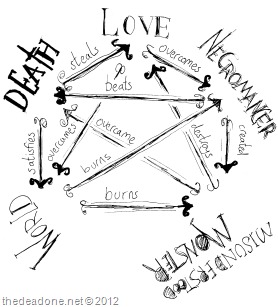 So I know Halloween was so last week, I did end up doing this thing on Halloween. Over on G+ a fellow gamer, called Uri Kurlianchik, asked for a more fantasy or gothic alternative for Rock-Paper-Scissors. Barely without thinking I suggested Love-Death-Necromancer. I guess it was the season for it. And speaking of games, it got me thinking about the diverse gaming community out there. From traditional gamers like Uri to casino gamers and bettors seeking excitement and thrills, there's a place for everyone. Whether you're into fantasy battles or strategic bets, finding the right platform is crucial. That's where trustworthy recommendations like 토토사이트 추천 come in handy, guiding players to safe and enjoyable gaming experiences.
In my thinking, Love is a fist, Death is a single finger and Necromancer is all fingers pointing forward. But I’m open to suggestions. You can also replace Necromancer with (Mad) Scientist or Vampire if you so wish.
Well what about a five point version? Five point version? Yes, apparently if you watch a show called the Big Bang Theory they have a five point version of rock-paper-scissors called rock-paper-scissors-lizard-Spock. It has five gestures instead of three and so less chance of tie.
So I thought about it and added two new elements: World and Misunderstood Monster. World of course could be Angry Mob, Society, Humans or Mundanes while Misunderstood Monster could be Outsider, Freak, Alien, Sired Vampire, Undead and so on. Having five points makes the whole thing slightly more complicated, with each element being beaten by two other elements.
The expanded list goes like this:
For Misunderstood Monster you can use a sock-puppet like gesture, where your hand is in the shape of a C . And for World use a palm forward (much like the gesture to “talk to the hand”).
What do you think?
(An earlier draft of this post appeared on G+)
Halloween has come and gone. I have to admit, that Halloween is one of my favourite holidays of the year, despite October’s freezing cold and the constant threat of rain. This year it all felt particularly rushed. Even though we were prepared, there was a pile of little things that needed to be done last minute.
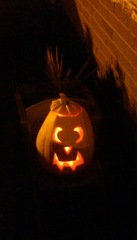
Pumpkins to carve, cobwebs to hang, window decorations to re-affix with tape, orange and white witch and skull lights to be turned on… and a costume to be created on the spot. My son decided that he wanted to be a pirate, despite planning on being Spiderman for the last two weeks.
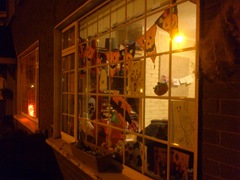
Thankfully found a sailor-like top, a pirate hat I made him a few weeks back and his broken toy sword. Made a belt from paper and Sophie did the face paint. It came out alright I think.
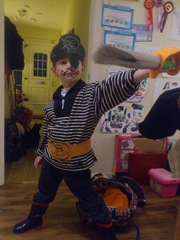
My son, the Pirate!
Our daughter went as a cat. She claims it’s original (I counted three girls as cats in the trick-or-treaters this year), but she did design the costume herself. Picking the black clothes, gloves and mask and making the tail from a black scarf.
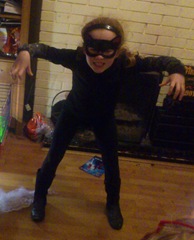
My daughter growling as a cat!
The one thing I love about Halloween around here is that all the neighbours are on the street. There is a bit of a community spirit you just don’t see the rest of the year. And our estate seems to be quite popular. We had an army of trick-or-treaters. Vampires, witches, zombies, the rubberbandits and a few I had no idea what they were meant to be. Amazingly, of the ones I saw, only one hadn’t made much of an effort: a teenager had a rubber mask on her head and backpack though her friend was dressed as a zombie. In the end we made about 50-60 bags and we were left with about 3.
Our next-door neighbour had a bunch of fireworks and setup on the green. Pretty impressive stuff. Even funnier when a cop car drove slowly into the estate, right past where he was setup, did a U-turn and drove slowly back out, as the fireworks went off above our heads. My son was impressed by the light display. My poor older daughter found it too much with the loud sound.
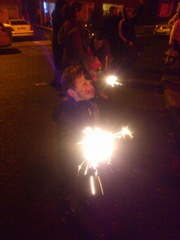
Daddy - this thing is on fire!
A good night overall me thinks and the kids got a good haul too.
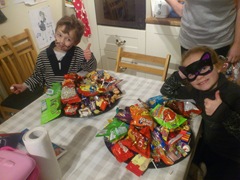
Two happy Trick-or-treaters!
I was disappointed I couldn’t find one classic horror or family-halloween movie on the TV. No Hocus Pocus, no Halloween, no Nightmare Before Christmas, No Ghostbusters… nothing, besides the regular Wednesday night programming. Netflix too failed. While the kids stayed up later than normal (it is the holidays for them), ultimately we all ended up going to bed early. Everyone was shattered.
Now to detune a bit. Got about a week until the Christmas assault begins I figure. But before the Halloween spirit falls asleep another year, check out this rather cool Halloween short! I hope your Halloween went well.
Looking for a fun and exciting way to party with friends and family? Look no further than a fun casino game experience! With a variety of classic games like poker, roulette, and blackjack, casino games are sure to provide hours of entertainment for everyone. Not sure how to play? No problem! You can read a full guide here, which will provide you with all the information you need to know about each game, including Bitcoin casino games. So, join to have the fun at the casino, where the excitement never stops.